How Sighthound Cloud Connects Edge Cameras for Real-Time Insights
Parking operators, fleet managers, and law enforcement IT leads run into the same infrastructure problem. They need vehicle analytics. Their cameras already exist. And they can't route raw footage outside their network.
Edge-to-cloud vehicle analytics is a pipeline in which AI inference runs at the camera, not on a remote server. The camera captures a frame. The edge device reads the plate, identifies the vehicle, and produces a structured result. The cloud receives that result, not the footage.
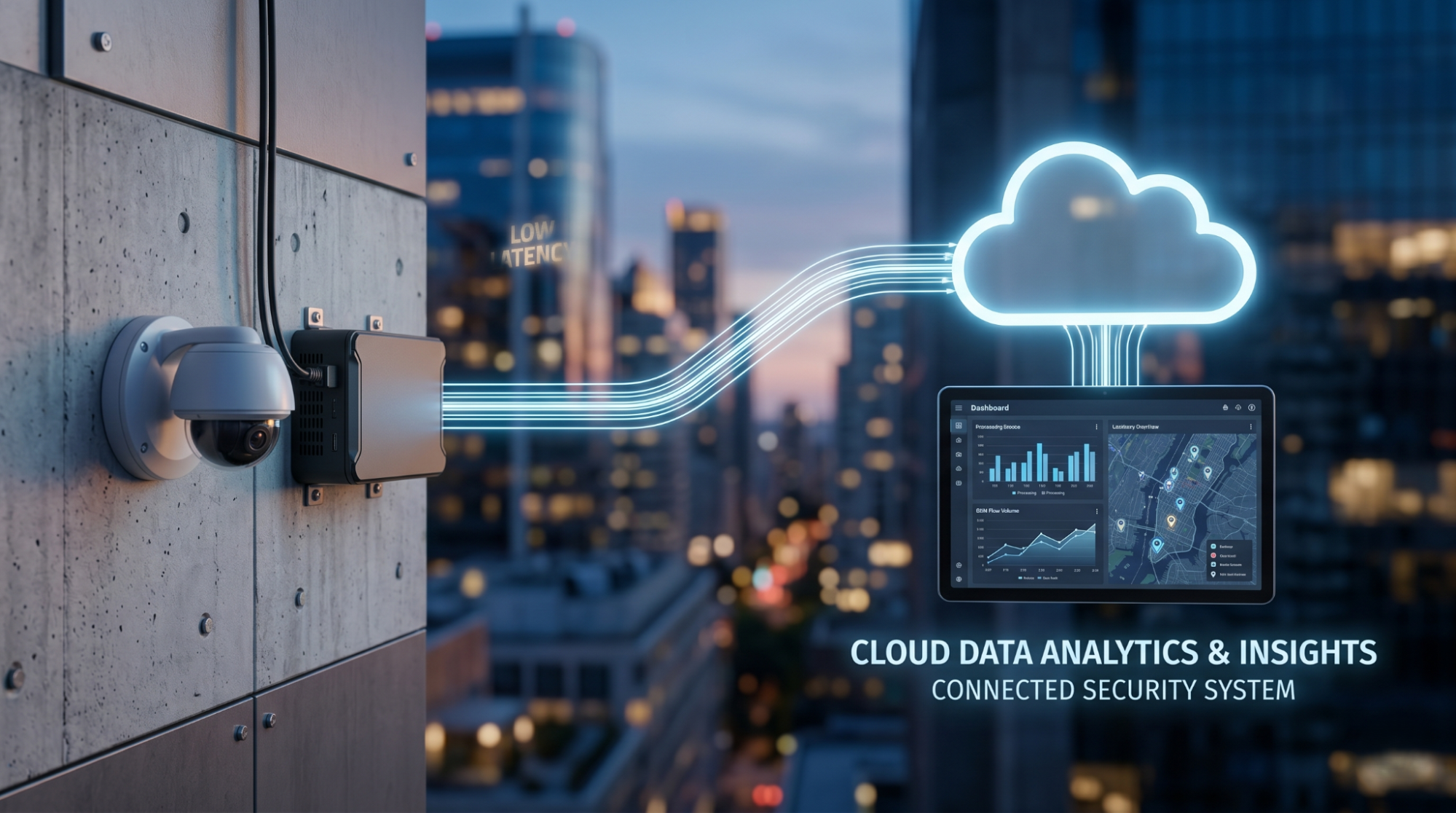
Diagram showing a physical security camera connecting via data flow lines to a cloud network icon for real-time analytics
Most ALPR systems work the other way. They route raw video upstream for central processing. That model requires reliable bandwidth, accepts latency as a given, and moves footage outside your network by default.
For parking enforcement, law enforcement, and fleet operations, those tradeoffs are often unworkable.Why edge-first processing matters operationally
Latency:On-device inference produces results without a network round-trip, which matters for access control, alerts, and real-time dashboards
Bandwidth:Structured metadata is orders of magnitude smaller than video streams, cutting upstream costs significantly
Data residency: Raw footage stays on-site, inside the customer's network, by architecture
Reliability: Processing continues even when the upstream connection drops or becomes intermittent
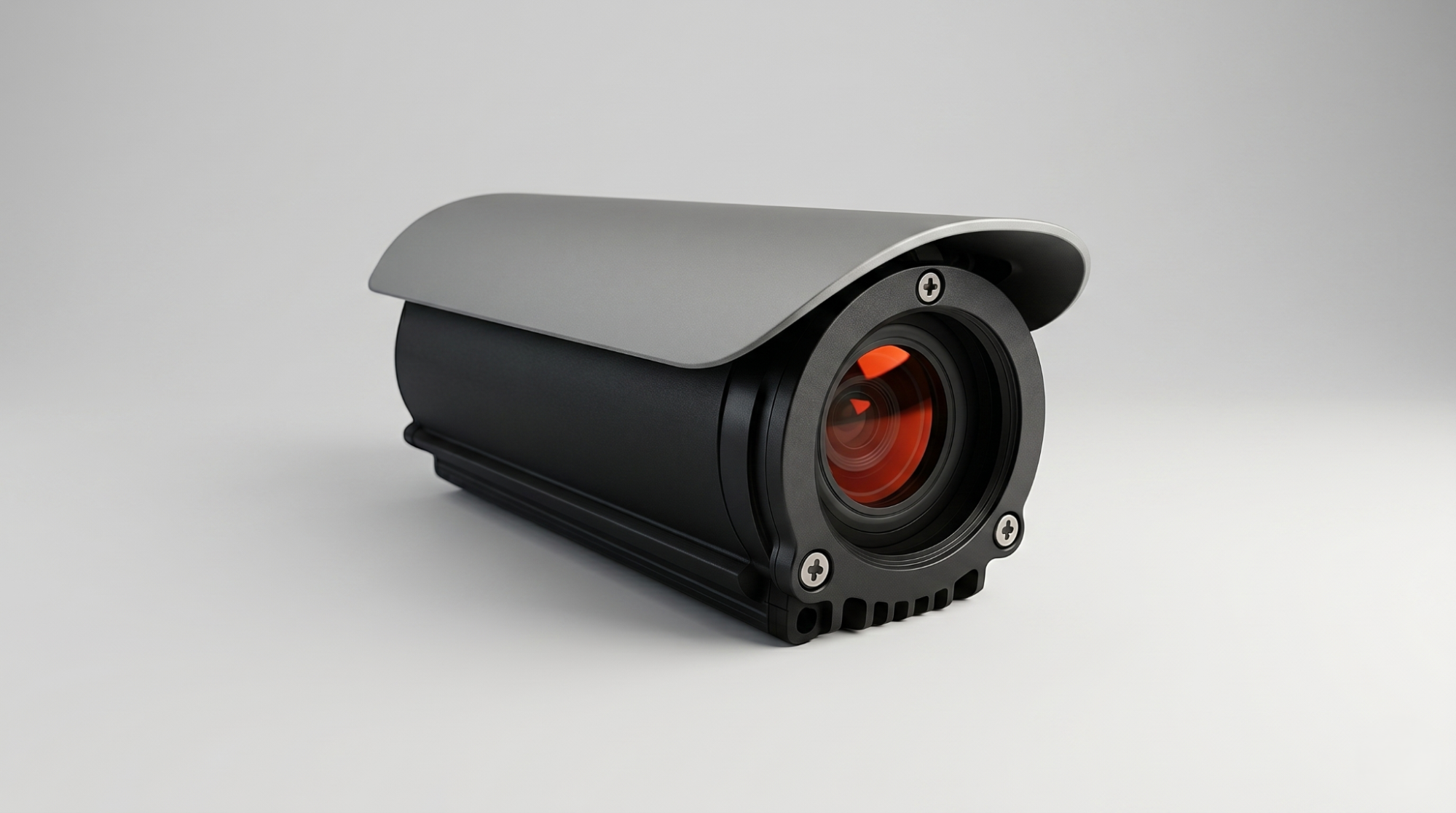
Sighthound professional-grade black bullet security camera with durable weather shield
Which cameras and hardware does Sighthound ALPR+ support?
Any camera that outputs an RTSP or ONVIF-compatible stream works with ALPR+. Fixed cameras, in-vehicle dashcams, and PTZ cameras all connect without hardware modifications. If your existing Video Management System (VMS) already manages your camera feeds, ALPR+ integrates directly with it.
Supported stream and file formats: JPEG, MJPEG, H.264, TS, HLS, .mp4, .avi.
Sighthound's own edge hardware ships with ALPR+ pre-configured. But the architecture works with cameras you already have deployed.
Supported inference hardware
ALPR+ runs across a wide range of edge compute platforms:
NVIDIA TensorRT (Jetson, Tesla, TX1/2, Xavier) for GPU-accelerated inference
Intel OpenVINO for standard x86 edge devices
Qualcomm Snapdragon SNPE for mobile and embedded form factors
NXP and Ambarella purpose-built vision processors for compact deployments
How does the inference pipeline work from camera to cloud?
The pipeline runs 3 stages in a fixed sequence. Understanding the sequence clarifies why data residency is an architectural property rather than a policy choice.
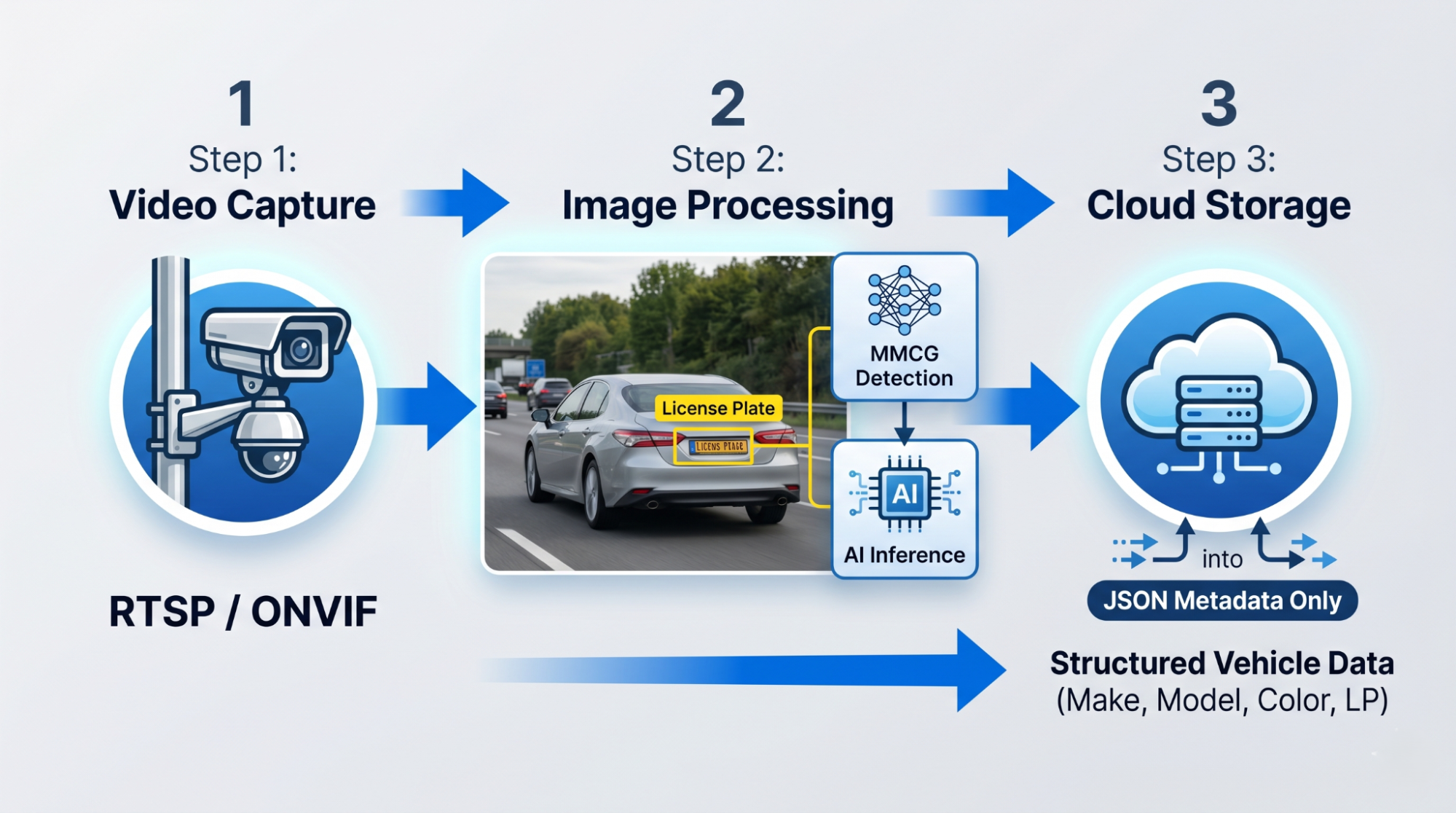
A 3-stage visual diagram. Stage 1: Local capture. Stage 2: AI inference (identifying a car/plate).Stage 3: Metadata delivery (cloud upload)
Stage 1: Edge capture
The camera streams RTSP video to the edge device. ALPR+ ingests via GStreamer, Video4Linux, RTSP, or a custom interface, depending on your deployment configuration. No footage leaves the device at this stage.
Stage 2: On-device inference
The AI model runs locally. It reads plates, extracts MMCG vehicle attributes, detects vehicle type and direction, tracks objects across frames, and produces a structured JSON result.
This is a deep learning model, not the older approach of infrared flash triggering plus optical character recognition (OCR). It processes multiple frames and combines the results. That combination step matters for partial plates, motion blur, angled reads, and low-light captures where single-frame OCR produces errors or misses entirely.
Stage 3: Metadata delivery
Only the structured result transmits upstream: plate string, confidence score, MMCG data, timestamp, bounding coordinates, and vehicle count. All transfers use TLS encryption by default.
Raw video stays at the edge. This is a pipeline property, not a configuration toggle.
What structured data does Sighthound ALPR+ produce?
Every detection event produces a structured record. Here's exactly what it contains.
| Data type | Description |
|---|---|
| License plate string | Full plate read with multi-jurisdiction format support |
| MMCG | Make, model, color, and generation of the vehicle |
| Vehicle type | Car, truck, motorcycle, and other classifications |
| Direction of travel | Entering, exiting, or passing |
| Presence and dwell | Vehicle detected, tracked, and counted per session |
| Confidence scores | Per-read accuracy metrics per frame |
This output feeds directly into parking management platforms, law enforcement dispatch consoles, fleet dashboards, or any custom integration via REST API.
ALPR+ pairs with Sighthound Vehicle Analytics to add full MMCG context per detection event when plate strings alone aren't enough for the workflow. A plate tells you a vehicle was present. MMCG tells you what kind of vehicle, which matters for access control decisions, incident response, and any downstream system where vehicle type carries operational weight.
How do you deploy ALPR+ in your environment?
3 deployment paths are supported. The right one depends on whether you're integrating with a cloud environment, embedding into an existing application, or running in a network with no external access.
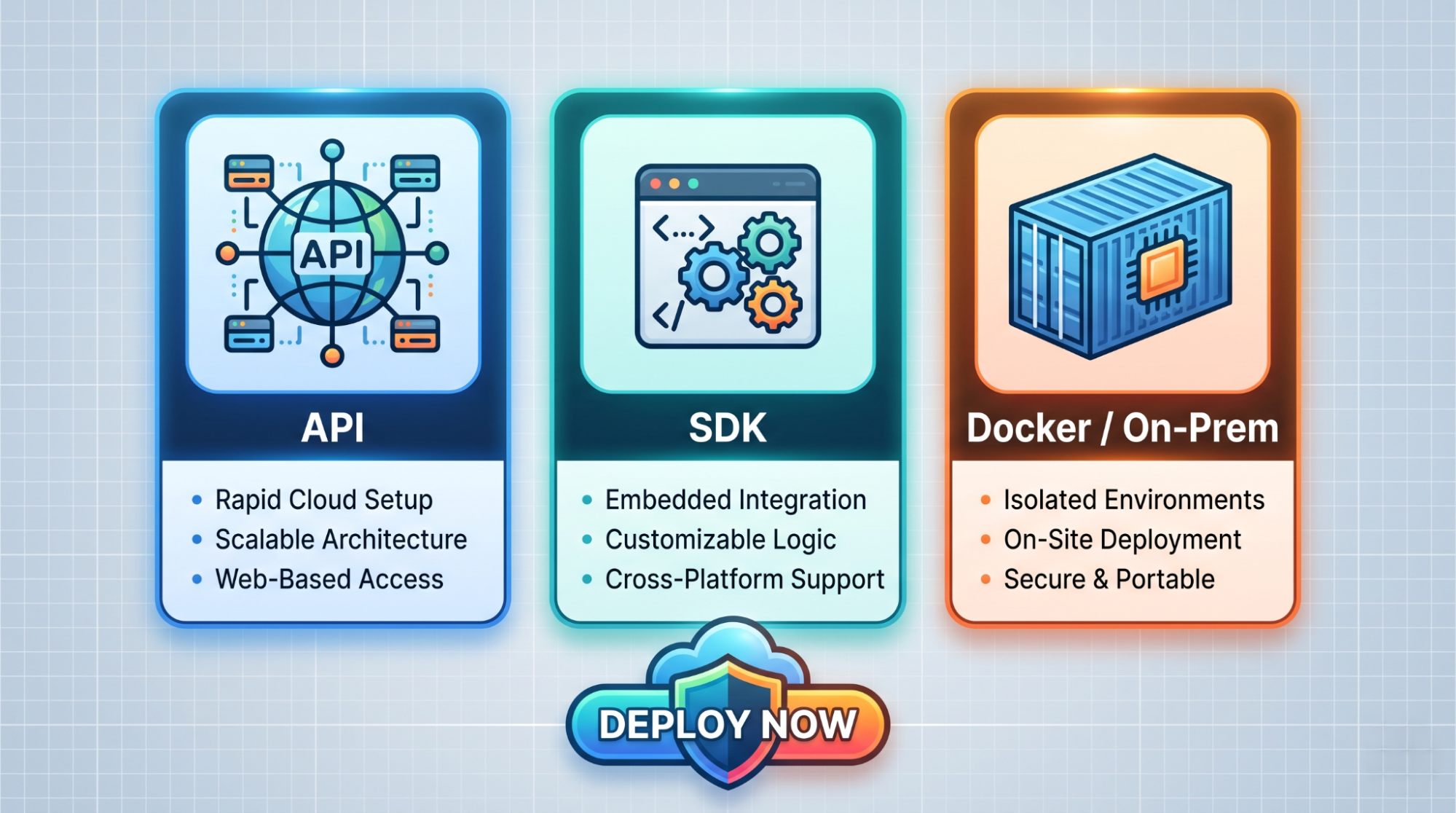
Three icons side-by-side representing different integration methods: API, SDK, and Docker/On-Premises
REST API
Send video or stream URLs to the ALPR+ endpoint and get structured JSON back. Works for cloud deployments on AWS or Google Cloud. Integration code points to an endpoint. Moving from cloud to on-premises later means changing that endpoint, not rewriting the integration.
SDK
Embed ALPR+ directly into an existing application or pipeline. Runs on Linux and Docker-based environments with hardware-specific builds available for NVIDIA, Intel, and Qualcomm platforms. Useful when the analytics output needs to go directly into proprietary systems without an API intermediary.
Docker
Run the full ALPR+ stack in a container on-premises, in a private cloud, or fully air-gapped. After initial license activation, the system runs offline indefinitely. Only license verification contacts Sighthound.
The developer portal atdev.sighthound.com has Docker Compose deployment examples, the OpenAPI specification, and TypeScript type definitions for all endpoint shapes.
For dedicated edge hardware, Sighthound Compute runs ALPR+ and Vehicle Analytics on a purpose-built node with no cloud dependency.
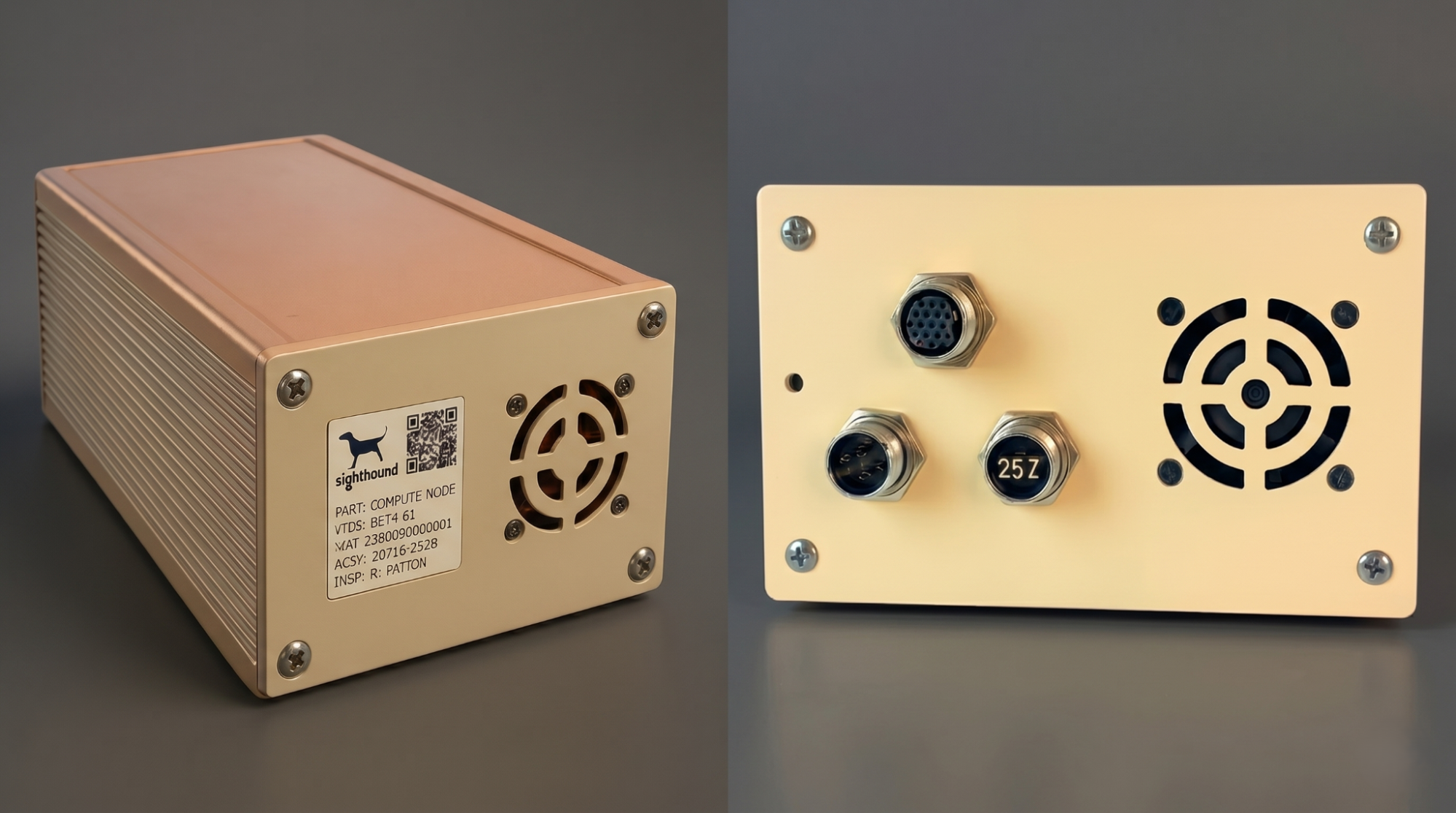
Sighthound compute node with a copper-colored top and a beige front panel, showing a fan vent, QR code, and detailed product information in a split-view image.
How Sighthound ALPR+ helps
Sighthound ALPR+ connects any RTSP or ONVIF camera to a real-time vehicle analytics pipeline on hardware already in the field. The model runs on-device on NVIDIA, Intel, or Qualcomm edge hardware. It produces plate strings, MMCG attributes, direction, and count data as structured JSON, and sends only that upstream via TLS.
Deploy via REST API, SDK, or Docker. The integration code doesn't change between cloud, on-premises, and air-gapped environments. Switching deployment modes is an endpoint change, not a reintegration.
Workflows that include releasing vehicle footage for public records requests or legal discovery can connect directly to Sighthound Redactor. Plates, heads, and faces can be redacted from the same footage that the ALPR+ pipeline processed, without routing video to an external cloud.
For business opportunities, explore our Partner Program today.
FAQ
-
ALPR+ runs at the edge via Compute Node and/or Compute Camera and processes video on site without a cloud connection for core recognition. That supports offline and air-gapped deployments.
-
Yes. Sighthound works with any RTSP or ONVIF-compatible camera, including fixed, PTZ, and dashcams. It runs on standard edge compute platforms from NVIDIA, Intel, and Qualcomm.
-
It captures more than just plates. You get MMCG data (Make, Model, Color, Generation), vehicle type, direction of travel, and confidence scores. This provides a complete "fingerprint" of the vehicle for better operational insights.
-
Choose the path that fits your stack:
REST API: For rapid cloud integration.
SDK: For embedding directly into proprietary apps.
Docker: For on-premises or fully air-gapped environments.