Which OpenCV Tracker Works Best for Real-Time Video?
Compare OpenCV tracker choices like CSRT, KCF, MOSSE, and detection-plus-tracking options for real-time video and vehicle analytics
Choosing an OpenCV tracker for real-time video is less about finding one universal winner and more about matching the tracker to the scene, hardware, and tolerance for missed frames. KCF and CSRT are the common comparison, but the reader problem is usually broader: deciding whether a legacy single-object tracker is enough for the workload. This guide helps you choose a first tracker, diagnose drift, and know when to move to a detection-plus-tracking pipeline.
TL;DR
- Use KCF first when the target is clear, the camera is stable, and speed matters more than graceful recovery after occlusion.
- Use CSRT first when localization quality matters more than raw frame rate, especially when the object changes scale or shape.
- Treat MOSSE and older legacy trackers as narrow tools or educational baselines, not default choices for production-like real-time video.
- Check detection quality before blaming the tracker because missed detections, weak re-detection cadence, object density, and occlusion can look like tracker failure.
- Move beyond legacy OpenCV trackers when the workflow needs multi-object tracking, identity continuity, counting, direction analytics, or vehicle analytics.
What should a real-time OpenCV tracker optimize for?
A real-time OpenCV tracker should optimize for the constraint that fails first in your system: frame budget, target stability, occlusion tolerance, or identity continuity. The OpenCV Tracking API exposes a common interface for comparing trackers, but the interface does not make every tracker equally suitable for every video stream.
Real-time also needs a concrete definition. A single object in a fixed camera scene is different from a busy intersection, a parking-lot entrance, or a fleet yard with many vehicles. That is why a tracker choice that works for a prototype can fail once the object count rises, the camera moves, lighting changes, or the detector drops a box for a few frames.
Use these criteria before picking the tracker name:
- Frame budget: how many milliseconds can tracking consume per frame?
- Object count: are you tracking one selected target or many moving targets?
- Scene stability: is the camera fixed, moving, vibrating, or zooming?
- Occlusion risk: will the object pass behind other objects or leave the frame?
- Analytics need: do you only need a box, or do you need count, direction, dwell, identity continuity, or event history?
For a neutral risk vocabulary, NIST’s AI Risk Management Framework characteristics are a useful reminder that accuracy, reliability, and safety are system properties, not isolated model labels.
Key point: The tracker name is only one part of the real-time video budget.
For vehicle workflows, those questions become more concrete. A campus or roadside deployment tied to AI-powered traffic management may care about counts, direction, and class-level movement. A parking-lot workflow may care about plate reads, make, model, color, and generation (MMCG), and entry or exit events.
Is KCF the right first tracker for speed?
KCF is usually the right OpenCV tracker to try first when speed is the binding constraint and the target remains visually stable. The OpenCV TrackerKCF reference describes KCF as Kernelized Correlation Filter tracking, and the original KCF paper, High-Speed Tracking with Kernelized Correlation Filters, explains why correlation-filter structure can keep computation low.
That speed-first profile is useful for demos and early prototypes. If your object stays roughly the same size, does not disappear behind other objects, and remains easy to separate from the background, KCF gives a practical starting point. It also pairs well with a workflow where the detector can periodically refresh the box instead of asking the tracker to recover alone.
KCF is weaker when the object is lost, heavily occluded, or changing appearance quickly. In those cases, a fast tracker can confidently drift to the wrong patch. The reader-facing symptom is often described as “tracking lost,” but the root cause may be detector misses, background similarity, bad initialization, or an update loop that trusts the tracker for too long.
Key point: Fast tracking is not the same thing as stable identity over time.
For edge projects, KCF is best treated as a baseline. If it is stable on your footage, keep the pipeline simple. If it fails only when the detector misses several frames, change the detection cadence or re-association logic before assuming a slower single-object tracker will solve the workflow.
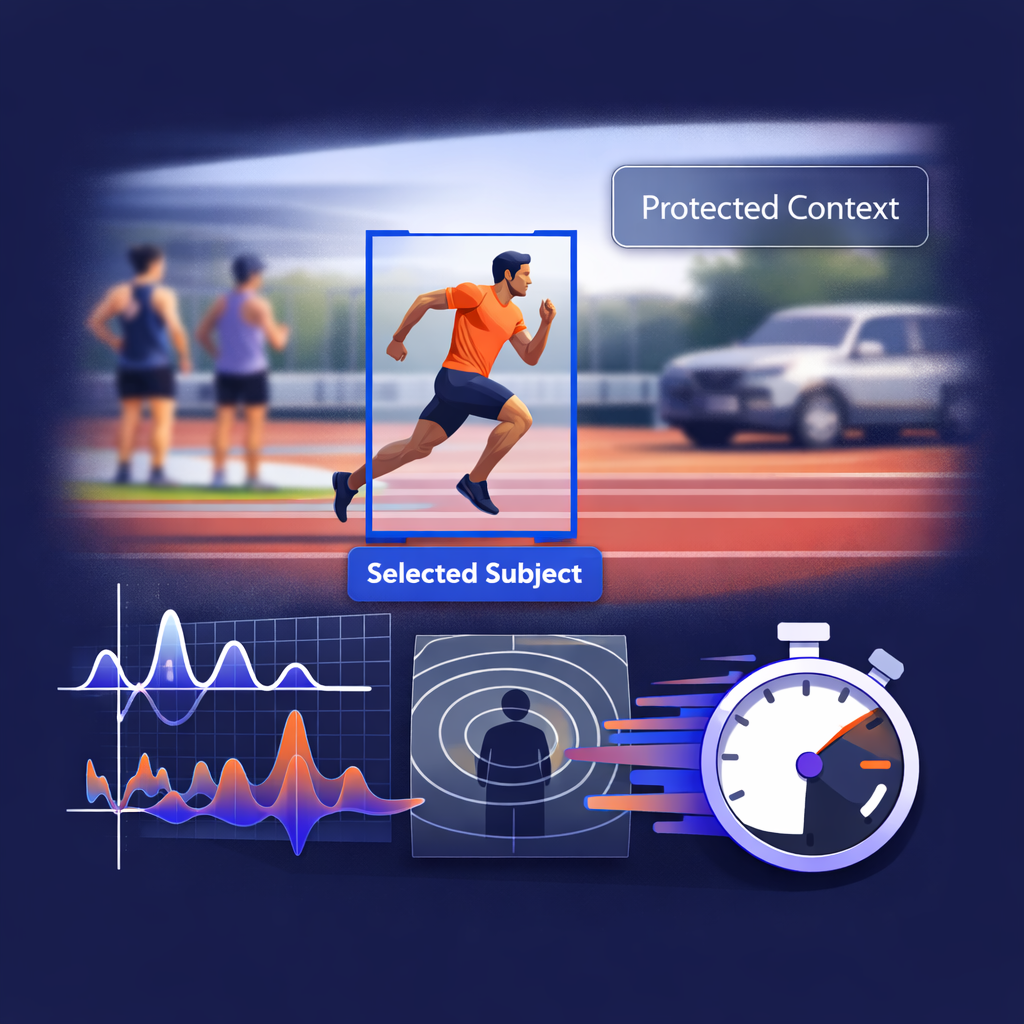
Visual example for is kcf the right first tracker for speed using OpenCV tracker
Is CSRT better when accuracy matters?
CSRT is the better OpenCV tracker to test when localization quality matters more than raw speed. The CSRT method is based on channel and spatial reliability, and the paper Discriminative Correlation Filter with Channel and Spatial Reliability explains how the tracker uses reliability maps and channel weighting to improve target localization.
That extra modeling can help when the object changes scale, rotates, or has a less rectangular shape. CSRT often gives a cleaner box than KCF in harder short-term tracking scenes, but the trade-off is processing cost. For real-time video, that means CSRT can be the right answer on a workstation and the wrong answer on constrained hardware.
Use CSRT when your failure mode is box quality rather than throughput. If KCF stays on the target but the box is too loose, jittery, or sensitive to scale, CSRT deserves a test. If the problem is crowded scenes, many simultaneous objects, or repeated identity switches, CSRT is probably not the architecture change you need.
The same rule applies to edge AI surveillance analytics: quality and latency must be measured together. A tracker that looks better on a short clip may still miss the real requirement if it lowers the frame rate below the event timing your system needs.
Key point: Choose CSRT for harder single-object localization, not for multi-object identity management.
Where do MOSSE, MIL, MedianFlow, TLD, BOOSTING, and GOTURN fit?
The other OpenCV trackers are useful context, but most should not distract from the KCF-versus-CSRT decision. OpenCV’s legacy tracking API lists legacy trackers such as BOOSTING, MIL, MedianFlow, MOSSE, TLD, KCF, and CSRT, which is a signal to check your installed OpenCV version and module availability before copying code.
MOSSE is the speed-oriented baseline. It can be useful when the scene is simple and every millisecond matters, but it gives up too much localization quality for many real-world video tasks. MedianFlow can be useful on slow, predictable motion, but it breaks down when motion changes quickly. MIL, TLD, and BOOSTING are better treated as historical or educational options unless you have a specific reason to compare them.
GOTURN is different because it uses a trained model rather than the same classic online update pattern. That can make setup and behavior less predictable for a quick OpenCV prototype. If you need a learning-based tracker for this workload, it is usually worth asking whether a detection-plus-tracking system is the better comparison.
The practical table looks like this:
| Tracker | Best fit | Watch-out |
|---|---|---|
| KCF | Speed-first single-object tracking | Weak recovery after target loss |
| CSRT | Accuracy-first single-object tracking | Higher processing load |
| MOSSE | Very simple high-frame-rate tests | Lower box quality |
| MedianFlow | Slow, predictable motion | Abrupt motion changes |
| MIL / BOOSTING / TLD | Baselines and legacy comparisons | Older behavior and API caveats |
| GOTURN | Model-based tracking experiments | Requires model setup and validation |
Use the related OpenCV object tracking algorithms overview as background. For this decision, focus on the operating condition: stable single target, hard single target, or many targets.
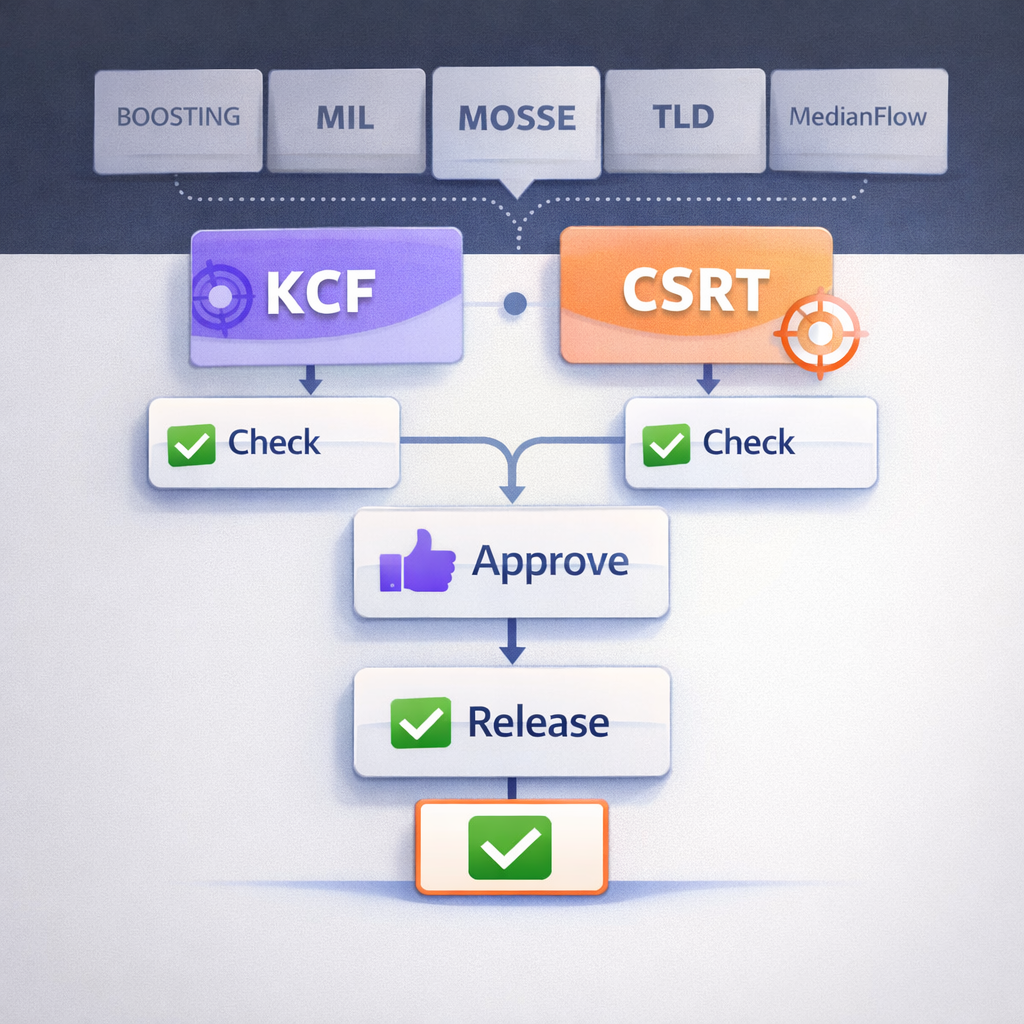
Visual example for where do mosse, mil, medianflow, tld, boosting, and goturn fit using OpenCV tracker
Why do trackers lose objects in real video?
Trackers lose objects when the pipeline asks them to solve a detection, association, or scene problem they were not built to solve. A single-object OpenCV tracker starts with a box and tries to update that box over time. It does not automatically know that a detector failed, that a different vehicle entered the scene, or that an occluded target should keep the same identity.
That distinction matters in camera and vehicle analytics. Automatic license plate recognition (ALPR), license plate recognition (LPR), and automatic number plate recognition (ANPR) workflows often need detection, recognition, tracking, and event logic to work together. Sighthound ALPR+ is AI-powered software for license plate recognition with vehicle make, model, color, and generation analytics and BOLO alerts.
In a real deployment, a track drop can come from several places:
- The detector misses the object for a few frames.
- The tracker drifts after partial occlusion.
- The box is initialized too early, too late, or too loosely.
- The target changes scale or aspect ratio.
- The camera moves, shakes, or compresses video heavily.
- The pipeline waits too long before re-detecting.
Those issues show why “KCF or CSRT?” is only the first layer. If your real question is moving versus stationary vehicles, direction, line crossing, dwell time, or identity continuity, the tracker must be part of a broader analytics pipeline. The same system-level thinking applies to vehicle classification models. It also applies to mobile LPR edge computing. For broader deployments, transportation and fleet operations need more than a bounding-box update loop.
When should you move beyond legacy OpenCV trackers?
Move beyond legacy OpenCV trackers when your task needs many objects, repeated re-identification, or stable analytics across occlusion. SORT identifies detection quality as a key factor in multi-object tracking performance in Simple Online and Realtime Tracking, and ByteTrack’s multi-object tracking paper focuses on associating detection boxes across confidence levels to reduce missed objects and fragmented trajectories.
That does not make KCF or CSRT obsolete. They remain useful for selected-target tracking, controlled tests, and teaching the trade-off between speed and localization quality. The architecture changes when a detector runs regularly and a data-association layer keeps identities alive between frames.
Use this decision rule:
- One clear target, stable scene: start with KCF.
- One target, harder appearance changes: test CSRT.
- Many objects: evaluate detection-plus-tracking.
- Counting, direction, or identity continuity: use multi-object tracking.
- Vehicle analytics: treat tracking as one part of detection, recognition, event logic, and deployment design.
For buyers and integrators, deployment is part of the choice. Sighthound Compute is a line of edge AI hardware that runs Sighthound’s ALPR+, Vehicle Analytics, and Redactor stack locally. Sighthound Compute Node ingests RTSP streams from existing network cameras and runs Sighthound’s computer-vision stack on top.
That matters because an OpenCV prototype often starts on a laptop, then moves to a camera network, edge node, or cloud API. Sighthound Cloud API and SDK provide developer-facing computer-vision APIs covering LPR, vehicle analytics, and detection primitives. The Sighthound Developer Portal hosts API, SDK, Agent Toolkit, and integration examples.
How Sighthound ALPR+ helps
Sighthound ALPR+ helps when the problem has moved beyond choosing an OpenCV tracker and into vehicle recognition, event logic, and deployment. Sighthound ALPR+ audience includes law enforcement, parking operators, toll authorities, fleet operators, smart-city operators, transit agencies, and enterprise security.
Those teams usually need more than a bounding box. They need detections tied to vehicle attributes, cameras, timestamps, locations, and downstream workflows. Sighthound supports REST APIs, Docker deployments, and pipeline-based workflows.
The practical handoff is simple: use OpenCV trackers to understand the trade-offs, then move to a productized vehicle analytics path when the use case demands repeatable deployment. Sighthound serves Parking and EV with ALPR+ and Compute. Sighthound serves Transportation, Logistics, and Fleet with ALPR+ and Compute. That makes parking and EV workflows a different problem from tracking a single box in a sample video.
Key point: OpenCV trackers are useful prototypes; vehicle analytics needs the surrounding pipeline.
Visual example for how sighthound alpr+ helps using OpenCV tracker
When should you choose which?
Choose the simplest tracker that satisfies the failure mode you actually see. If the footage is stable and the box stays on target, KCF is a good first test. If box quality fails before frame rate, CSRT is the better comparison. If identities break across many objects, switch the conversation to multi-object tracking.
The fastest way to decide is to test against your own clips:
- Pick three short clips: easy, average, and worst-case.
- Mark what failure matters: latency, drift, dropped track, occlusion, or identity switch.
- Run KCF and CSRT on the same initial boxes.
- Add periodic detection refresh if the tracker drifts.
- Move to detection-plus-tracking if object count or identity is the real issue.
Avoid tuning the wrong layer. If the detector misses the object, a tracker may only hide that issue for a few frames. If the tracker drifts after occlusion, CSRT may help. If the system needs stable IDs across vehicles, neither KCF nor CSRT is the complete answer.
Key Takeaways
- KCF is the practical speed-first OpenCV tracker for stable single-object scenes.
- CSRT is the better first test when localization quality and occlusion handling matter more than frame rate.
- MOSSE, MedianFlow, MIL, BOOSTING, TLD, and GOTURN are useful context, but they should not distract from the core decision.
- Track drops often come from detector quality, re-detection cadence, scene conditions, or identity association, not only the tracker.
- Multi-object tracking is the better architecture when the workflow needs counts, direction, continuity, or vehicle analytics.
FAQ
Is KCF better than CSRT for real-time video?
KCF is usually better when speed is the main constraint and the scene is stable. CSRT is usually better when box quality matters more than throughput. The right choice depends on your frame budget, object motion, occlusion risk, and whether the detector can refresh the track.
Is CSRT real-time?
CSRT can be real-time in some conditions, but it is usually heavier than KCF. Test it on the same resolution, hardware, object count, and frame budget you plan to use. A short laptop demo is not enough evidence for an edge or camera-network deployment.
Which OpenCV tracker should I try first?
Try KCF first for a stable single object. Try CSRT when KCF drifts or gives poor box quality. Try MOSSE only when speed is everything and accuracy matters less. Move to multi-object tracking when the workflow needs many targets or stable identities.
Why does my tracker drift even when the object is visible?
The box may have been initialized poorly, the target may have changed scale, or the background may look too similar. The detector may also be missing frames, causing the tracker to carry stale state. Test detection quality before changing only the tracker.
Should I use OpenCV trackers for vehicle analytics?
Use OpenCV trackers for prototypes and controlled tests. For vehicle analytics, you usually need detection, recognition, tracking, event logic, deployment tooling, and integrations. At that point, a packaged vehicle analytics workflow becomes more relevant than a single tracker choice.
Sources
- OpenCV Tracking API
- High-Speed Tracking with Kernelized Correlation Filters
- Discriminative Correlation Filter with Channel and Spatial Reliability
- Simple Online and Realtime Tracking
- ByteTrack: Multi-Object Tracking by Associating Every Detection Box
- NIST AI Risk Management Framework characteristics
Related reading
What to do next
If OpenCV trackers are no longer enough for your vehicle workflow, See ALPR+ in action.